Test your model with live inference#
Inference is the process of using a trained model to detect objects in new, unseen data. In this section, you’ll test your model on a live video feed from your USB microscope.
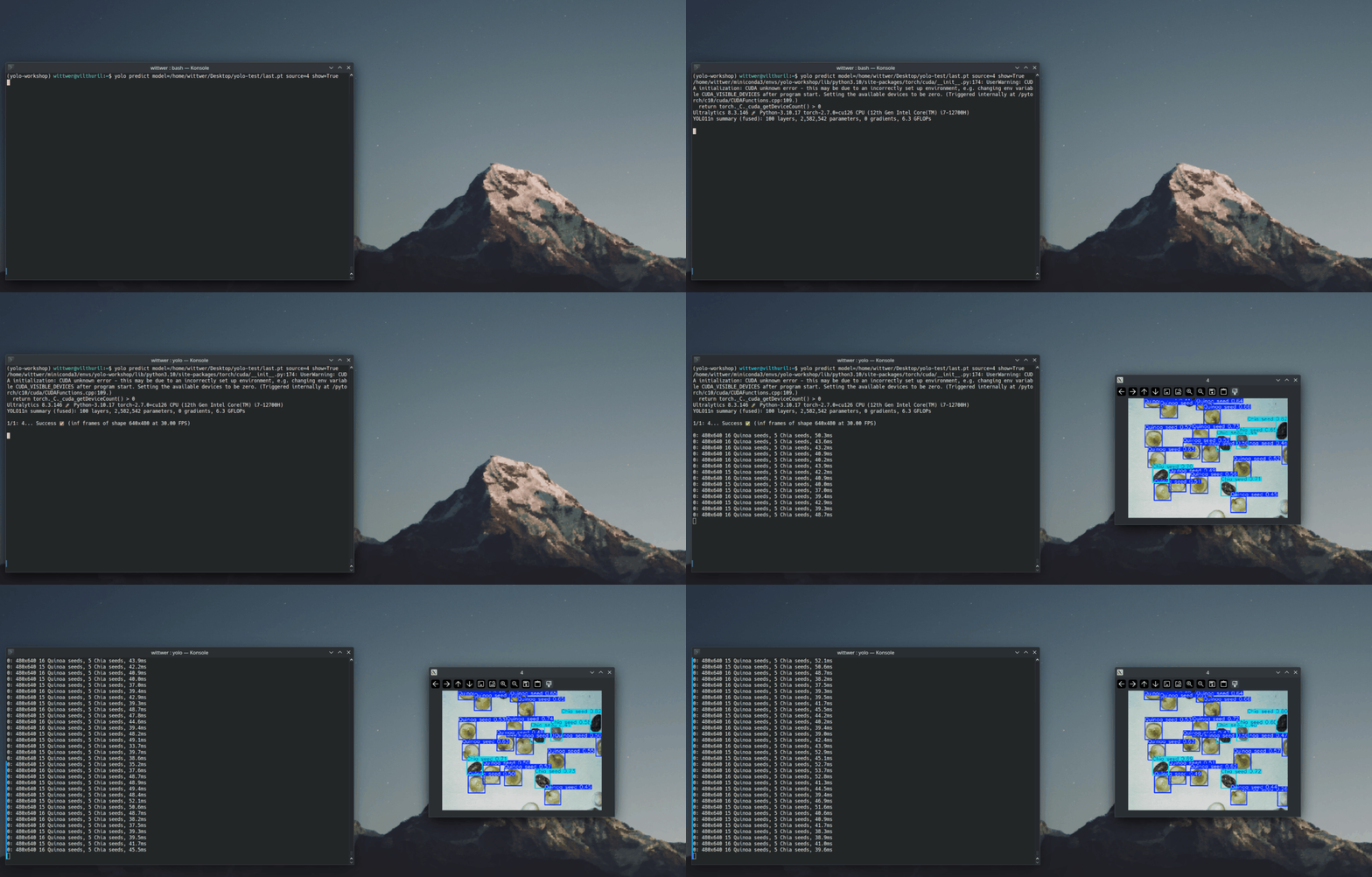
To test your model, you can use the predict command:
yolo predict model="/path/to/weights/last.pt" source=1 show=True
The predict command includes several parameters you can customize (docs). Here, we’ve selected:
model: the path to your trained model’s weights file.source: the input source for inference. Here,1represents the camera index for your USB microscope. If1doesn’t work, try other indices (e.g.,0,2, etc.) until you find the correct one.show: opens a visualization window.
When you run the predict command, a window should appear showing a live video feed from the microscope, including bounding box detections and the corresponding object classes.
What if the results aren’t great? Train the model a little longer!
Here, we trained the model for only 200 epochs on just 5 annotated images. While this may be enough, the results can often be improved by training the model for ~300 to 500 epochs. To train your model fruther, you can run the train command while specifying the weights file from your 200-epoch checkpoint as model. For example, to train for an additional 50 epochs, run:
yolo detect train model=path/to/weights/last.pt epochs=50 data=dataset.yaml
Live inference with Streamlit#
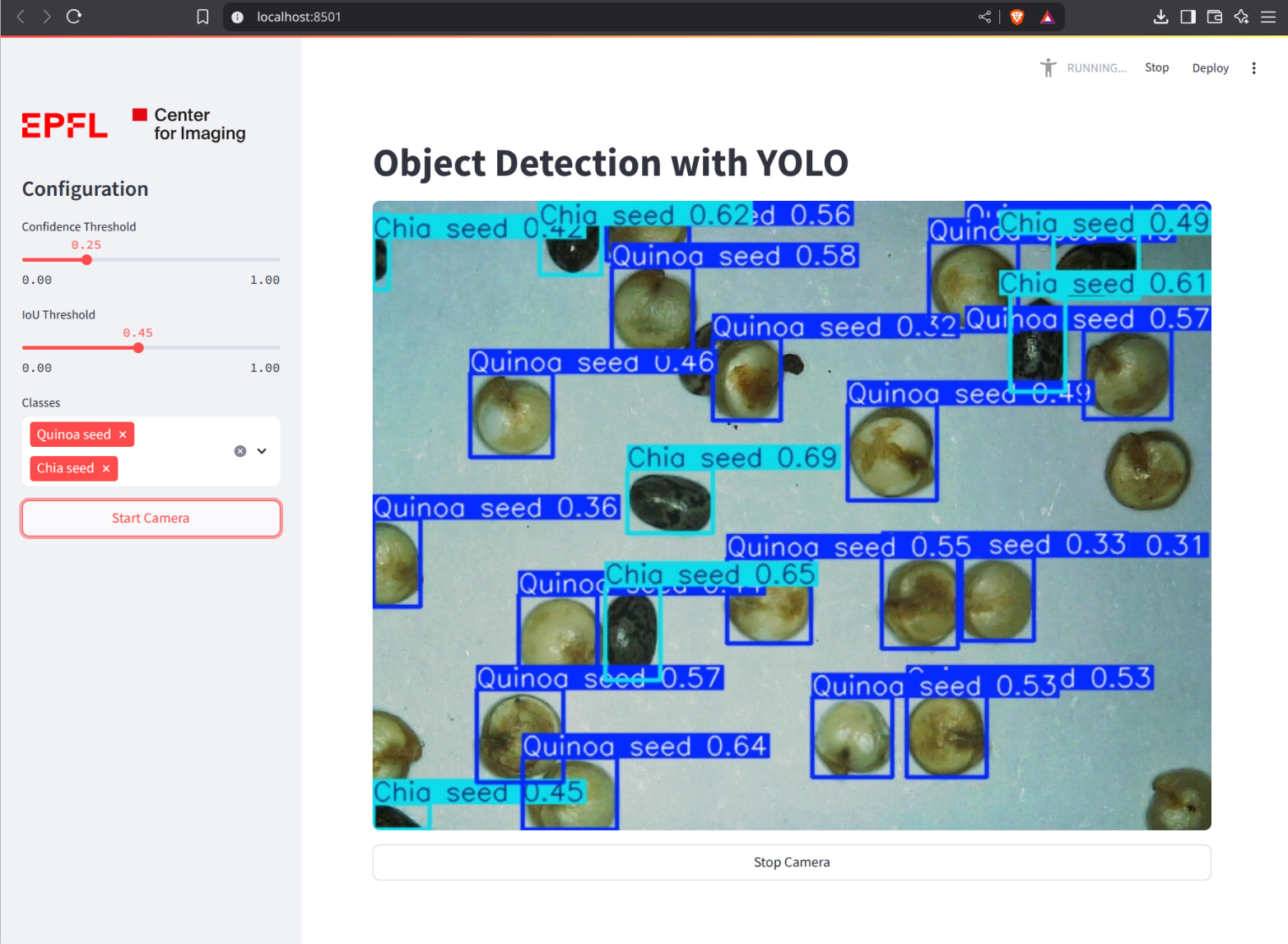
To test the model in a Streamlit app in your web browser, you can download our inference script from the repository.
Then, run it with the following command (specifying the “webcam index” of your USB microscope):
streamlit run inference_streamlit.py path/to/weights/last.pt -- --webcam 1
The app should run on http://localhost:5600. You can open this link in your web browser to see the app.