
Create a training set of images#
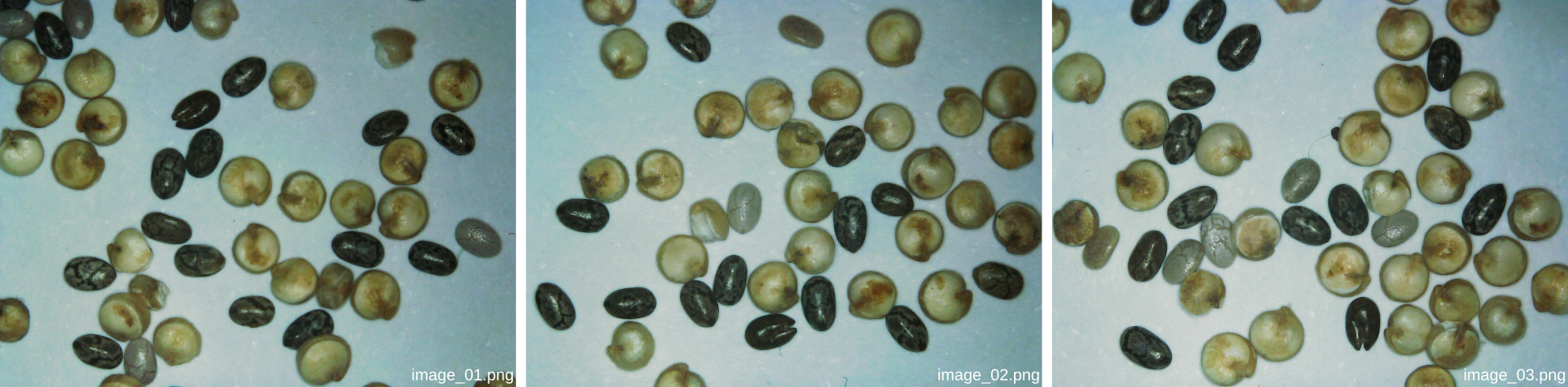
You should start by collecting a set of representative images of the objects you’d like to detect. For a first try, we recommend that you take five images for training and two for validation. You should vary the “scene” by placing different objects in the field of view for each image. You can keep the magnification fixed between the images.
Tip
Having 5 to 10 objects of each type in each image should be good enough (keep in mind that you’ll have to manually annotate all of them later!).
Organize your images into a dedicated folder named dataset on your computer. Within this folder, create a subfolder called images, and further divide it into train for training images and val for validation images. You can save your training images under train and your validation images under val. The images should be in either png, jpeg, or tif format (they should be RGB colored images).
Here’s an example of how your dataset folder structure should look:
dataset
|---- images
        |---- train
             |---- image_01.png
             |---- image_02.png
             |---- ...
             |---- image_05.png
        |---- val
             |---- image_06.png
             |---- image_07.png
Tips for acquiring a good training set
It is true that having more images in your training set generally improves performance. However, when fine-tuning a pretrained model (as we will do), we generally need much fewer images than when training a model from scratch.
You should ensure that your training set is representative of the variety of conditions (lighting, focus, magnification, background) that the model is likely to encounter during operation.